PIXL Command Line Detection
Run the Colony Detection workflow without turning on PIXL
What is Command Line Detection?
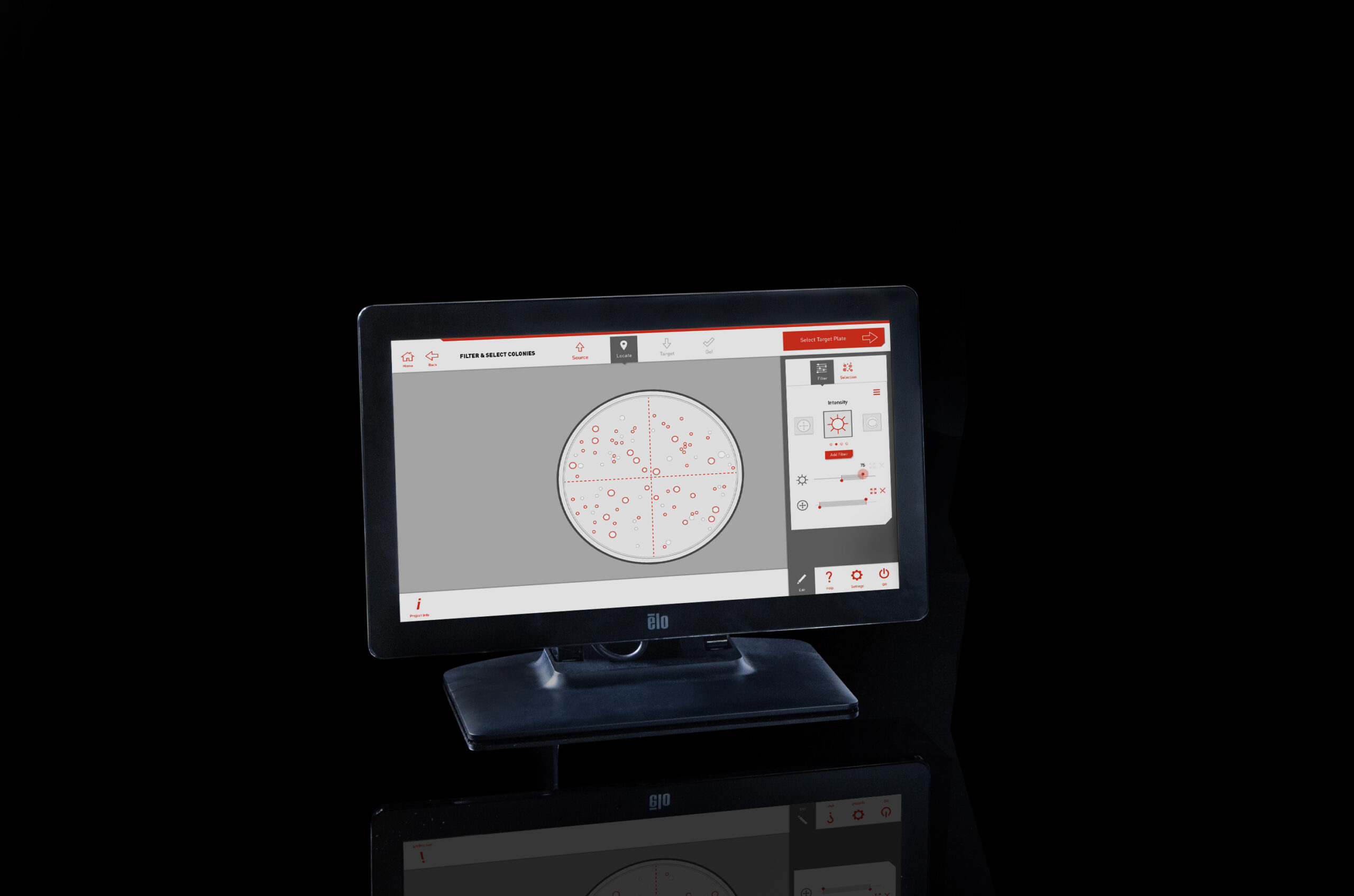
Function: Run Colony Detection workflow separately from PIXL’s hardware
The command line program allows you to process an image through the Colony Detection workflow to obtain the detection results without having to run the PIXL hardware. You can now reprocess an image with different detection settings after initial acquisition.
Key benefits
- Multiple detection settings can be applied to a single image.
- Simple text-based commands.
- Allows remote operation away from hardware.
Enquire now
If you’re interested in upgrading your PIXL software with these features
or want to explore the potential of remote colony detection for your workflow, reach out.